






Mastering Native Android Development: 20 Essential Interview Questions
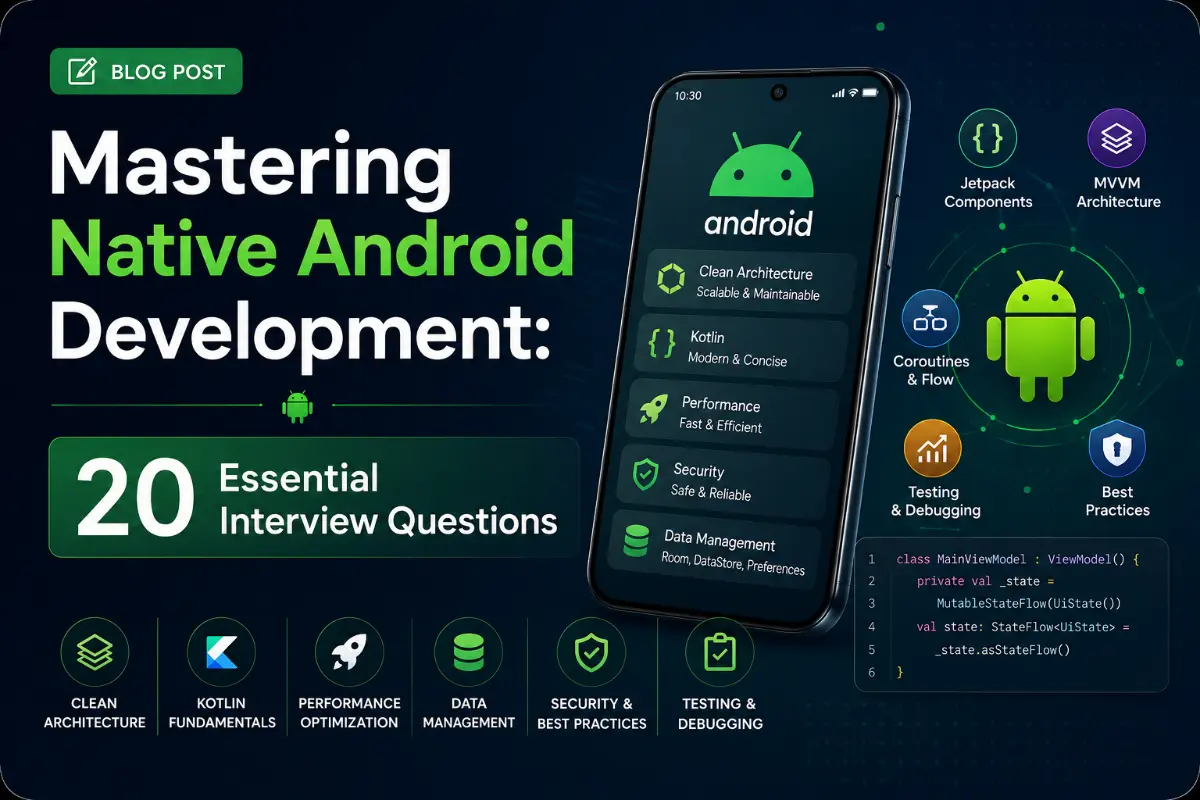
The Android platform has matured rapidly with Jetpack Compose replacing traditional XML views and Kotlin Coroutines/Flow becoming the standard for asynchronous streams. To stand out in mobile interviews, you must master view lifecycle details, background processing restrictions, recomposition tuning, and memory management. Here are 20 essential native Android developer questions.
Questions Quick Links
- Q1. Activity Lifecycle callbacks
- Q2. Fragment vs. Activity Lifecycle
- Q3. onCreateView vs onViewCreated
- Q4. View Binding vs Data Binding
- Q5. ViewModel under the hood
- Q6. LiveData vs StateFlow vs SharedFlow
- Q7. Compose Recomposition & remember
- Q8. Compose Layout phases
- Q9. Coroutines Dispatchers & Threads
- Q10. Dependency Injection: Hilt vs Koin
- Q11. Background Work strategies
- Q12. Coroutines: launch vs async
- Q13. Retrofit Dynamic Proxies
- Q14. Room Database Migrations
- Q15. Activity Launch Modes
- Q16. BroadcastReceiver registration
- Q17. Started vs Bound Services
- Q18. Memory Leaks in Android
- Q19. Custom View Drawing callbacks
- Q20. Scoped Storage rules
Q1. What is the Activity Lifecycle? Detail the callbacks.
Answer:
An activity goes through state changes when interacting with users or system processes:
onCreate(): Called when activity is first created. Setup UI views and bind static variables.onStart(): Activity becomes visible to the user.onResume(): Activity moves to foreground and starts receiving user click interactions.onPause(): System is about to start resuming another activity. Current visibility remains partially active.onStop(): Activity is no longer visible to the user. Release resources.onDestroy(): Final cleanups before the activity is destroyed.onRestart(): Triggered if activity stopped and is being started again.
Q2. How does the Fragment lifecycle differ from the Activity lifecycle?
Answer:
Fragments are hosted within an Activity and have additional view-centric lifecycle states: onAttach(), onCreateView() (constructing Fragment UI), onViewCreated(), onDestroyView(), and onDetach(). Because a Fragment's view can be destroyed while the Fragment instance remains active (e.g. in a backstack transition), you must always bind database observers to viewLifecycleOwner rather than this.
Q3. Why is onViewCreated preferred over onCreateView for binding setups?
Answer:
onCreateView() is responsible only for inflating and returning the view layout hierarchy. In contrast, onViewCreated() runs immediately after the view is successfully created, ensuring all UI elements are initialized in memory and safe to reference.
Q4. What is View Binding vs. Data Binding?
Answer:
- View Binding: Lightweight compilation-safe reference system. It generates binding classes for XML layouts, eliminating
findViewByIdruntime null errors. - Data Binding: Extends View Binding by allowing declarative data binding inside the XML code itself (using variables), supporting direct observable bindings.
Q5. How does ViewModel survive configuration changes under the hood?
Answer:
ViewModels are cached inside a ViewModelStore. When an activity rebuilds due to orientation rotations, the store is retained by the system's NonConfigurationInstances. The new activity instance binds to the same ViewModelStore, retrieving the exact active ViewModels.
Q6. Compare LiveData, StateFlow, and SharedFlow.
Answer:
- LiveData: Lifecycle-aware observable data holder. Executes callbacks only when observers are in active states (started/resumed).
- StateFlow: A hot Kotlin Flow that requires an initial state and holds the latest value. Replays value shifts to new subscribers.
- SharedFlow: A hot Kotlin Flow without initial value. Ideal for sending one-off events (like navigating or showing a snackbar).
Q7. Explain Jetpack Compose Recomposition. How do remember and mutableStateOf work?
Answer:
Recomposition is the process of re-executing composable functions when state updates. mutableStateOf(value) creates a reactive state handle. remember { ... } caches the state value in the composition tree across recompositions, preventing state resets.
Q8. Detail the three layout phases of Jetpack Compose.
Answer:
- Composition: Determines *what* UI components are displayed (creates the node hierarchy).
- Layout: Determines *where* to place components. Nodes measure their children and position them in 2D coordinates.
- Drawing: Renders components onto the screen canvas.
Q9. What are Kotlin Coroutines Dispatchers?
Answer:
- Dispatchers.Main: Executes actions on the main UI thread.
- Dispatchers.IO: Optimized for disk/network I/O tasks (offloads to a shared thread pool).
- Dispatchers.Default: Optimized for CPU-intensive calculations (e.g. sorting algorithms).
Q10. Compare Hilt vs. Koin for dependency injection.
Answer:
- Hilt: Built on Dagger. Compiles dependency graphs at compile-time, ensuring graph validity and high runtime speed.
- Koin: Lightweight service locator resolving dependencies at runtime. Easy to set up with minimal boilerplate, but errors fail at runtime rather than compile-time.
Q11. How do you handle background work? Compare WorkManager and AlarmManager.
Answer:
- WorkManager: Standard tool for deferrable, guaranteed background tasks. It respects system constraints (e.g. waits for WiFi or charging).
- AlarmManager: Used to run tasks at precise times (e.g. trigger alarm clocks). Not suitable for background uploads.
Q12. What is launch vs. async in Kotlin Coroutines?
Answer:
- launch: Fires-and-forgets a task. Returns a
Jobreference. Exceptions are thrown immediately in the exception handler. - async: Runs a task and returns a
Deferred<T>. You callawait()to retrieve the result. Exceptions are deferred until `await()` is called.
Q13. How does Retrofit work under the hood?
Answer:
Retrofit uses Java's **Dynamic Proxy** pattern. When you instantiate your API interface, Retrofit generates a proxy implementation class at runtime, translating annotation metadata (like `@GET` or `@POST`) into network requests executed by OkHttp.
Q14. How do you execute migrations safely in Room Database?
Answer:
Define a Migration object specifying the old and new database versions: val MIGRATION_1_2 = object : Migration(1, 2) { ... }. Inside, execute the required raw SQL statements. Register the migration in your database builder.
Q15. Compare Launch Modes: standard, singleTop, singleTask, and singleInstance.
Answer:
- standard: Creates a new activity instance every time an intent is fired.
- singleTop: If an activity instance already exists at the top of the stack, intents are routed to its
onNewIntent()method instead of creating a new instance. - singleTask: Creates the activity at the root of a new task stack, clearing any activities above it.
- singleInstance: Similar to singleTask, but no other activities are allowed in its task stack.
Q16. Compare Static vs. Dynamic BroadcastReceivers.
Answer:
- Static (Manifest): Registered in `AndroidManifest.xml`. Declared for system actions; Android launches the app when the event fires. Limited on modern Android versions for performance.
- Dynamic: Registered inside app components using context listeners at runtime, and must be unregistered when the context is destroyed to prevent memory leaks.
Q17. What is the difference between Started and Bound Services?
Answer:
- Started Service: Triggered via
startService(). Runs indefinitely in the background until it explicitly calls `stopSelf()`. - Bound Service: Bind client-server connections using
bindService(). Runs only as long as an active client is bound to it.
Q18. What are common causes of memory leaks in Android?
Answer:
Common causes include:
- Static references to an Activity Context.
- Registering listeners or observers and forgetting to unregister them.
- Passing local contexts to running background coroutines/threads that outlive the activity.
Q19. How do you construct custom Views in Android?
Answer:
Subclass View and override three core methods: onMeasure() (calculate sizing limits), onLayout() (determine children positioning), and onDraw() (paint graphics on the canvas).
Q20. What is Scoped Storage in Android?
Answer:
Introduced in Android 10, Scoped Storage restricts apps from accessing files from other apps globally. Apps have isolated access to their own sandbox directories and must use the **Storage Access Framework (SAF)** to request access to shared storage (like photos or downloads).
Written by Android Core Architect
Senior Career Advisor & Recruitment Specialist at JobPortalConnect. With years of experience in HR matching, they review resumes, optimize career pathways, and interview recruiting partners directly.