




Mobile Bluetooth LE (BLE) & IoT Integration: 15 Core Questions
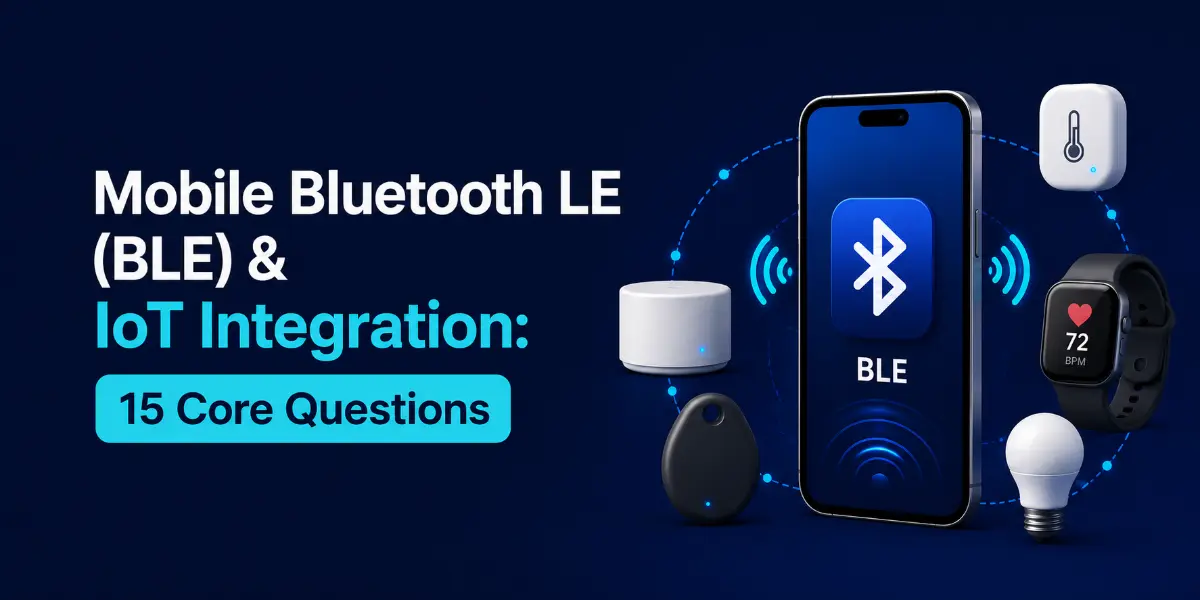
Connecting mobile applications to physical hardware requires deep knowledge of Bluetooth Low Energy (BLE) peripheral schemas, GATT characteristics, packet transmission limit negotiations, and background communication persistence. This guide reviews 15 core hardware integration questions.
Questions Quick Links
- Q1. BLE vs. Classic Bluetooth
- Q2. GATT Services & Characteristics
- Q3. Scanning: CoreBluetooth vs Android BLE
- Q4. MTU Size negotiation tuning
- Q5. Central vs. Peripheral roles
- Q6. Background BLE scan configurations
- Q7. Write with Response vs Write without Response
- Q8. BLE Indications vs Notifications
- Q9. Android GATT 133 error recovery
- Q10. Beacons (iBeacon, Eddystone) payload format
- Q11. Secure Connections pairing protocols
- Q12. Android 12+ Bluetooth permissions
- Q13. GATT Service Discovery optimizations
- Q14. Parsing raw byte payload arrays
- Q15. Designing BLE packet retry state machine
Q1. What is Bluetooth Low Energy (BLE) and how does it differ from Classic Bluetooth?
Answer:
BLE is designed for short bursts of data transfer with ultra-low power consumption, allowing hardware to run on coin cell batteries for years. In contrast, Classic Bluetooth is designed for continuous high-throughput data streams (such as audio streaming), consuming significantly more power.
Q2. Explain the Generic Attribute Profile (GATT) structure.
Answer:
GATT defines how data is structured and transferred over BLE:
- Service: A collection of related data points (e.g. Heart Rate Service). Identified by a unique UUID.
- Characteristic: A data container holding a single value, properties (read/write/notify), and permissions.
- Descriptor: Optional attributes providing metadata about the characteristic value (e.g., unit description).
Q3. How do you scan for BLE devices efficiently?
Answer:
Never scan without filters. Scanning for any nearby advertising peripheral drains device batteries. Always specify the target **Service UUID** filter array in your scan call, and stop scanning as soon as the target device is successfully located.
Q4. What is the MTU size in BLE? How does it affect performance?
Answer:
The **Maximum Transmission Unit (MTU)** defines the largest payload size a client and peripheral can exchange in a single packet. The default BLE MTU is only 23 bytes (leaving 20 bytes for user data). For high-performance transfers, request a larger MTU size (up to 512 bytes) immediately after connecting to send larger payloads without fragmentation.
Q5. What is the difference between Central and Peripheral BLE roles?
Answer:
- Central (Client): Scans for advertising devices, initiates connections, and reads/writes characteristic values (e.g. a mobile phone).
- Peripheral (Server): Advertises its presence, accepts incoming connections, and hosts GATT services (e.g. a smart heart rate monitor).
Q6. How do you run BLE scans in the background?
Answer:
- iOS: Add `bluetooth-central` background mode to Info.plist and specify explicit service UUID filters (iOS blocks wild-card scans in the background).
- Android: Run scans inside a foreground service with a persistent status notification to prevent the system from suspending the process.
Q7. Compare Write with Response vs. Write without Response.
Answer:
- Write with Response: The peripheral must send an acknowledgment packet confirming successful receipt. Highly reliable, but slower due to round-trip latency.
- Write without Response: The client sends packets sequentially without waiting for confirmation. Much faster, but packets can be lost during connection drops.
Q8. Compare BLE Indications vs. Notifications.
Answer:
Both allow a peripheral to push data updates to the client. **Notifications** send values immediately without waiting for acknowledgment (fast and low power). **Indications** require the client to send a receipt confirmation packet before the next update can be sent (slower but guaranteed delivery).
Q9. What causes Android BLE error code 133? How do you prevent it?
Answer:
GATT error `133` is a generic Android timeout status indicating the connection failed to establish. Prevent this by:
- Always calling
close()on old BluetoothGatt instances before attempting new connections. - Always running connection calls on the main thread.
- Enforcing connection timeouts, and retrying after brief delays.
Q10. What is a BLE Beacon (iBeacon/Eddystone)?
Answer:
Beacons are non-connectable BLE peripherals that continuously broadcast advertisement packets containing identity payloads (like UUID, Major, and Minor codes). Mobile apps scan for these packets to detect physical location proximity.
Q11. Explain BLE pairing protocols (Legacy vs. Secure Connections).
Answer:
- LE Legacy Pairing: Relies on custom PIN key entries or Just Works protocols. Vulnerable to passive sniffing attacks.
- LE Secure Connections: Introduced in BLE 4.2, using **ECDH (Elliptic Curve Diffie-Hellman)** key exchanges, generating encryption keys securely over the air.
Q12. What permissions are required for BLE on Android 12+?
Answer:
Android 12 split legacy location permissions into dedicated bluetooth requests: BLUETOOTH_SCAN (scan for nearby devices), BLUETOOTH_CONNECT (communicate with paired hardware), and BLUETOOTH_ADVERTISE.
Q13. Why is GATT Service Discovery expensive? How do you optimize it?
Answer:
Service discovery requires the client to query every attribute descriptor from the peripheral over the air, which consumes time and battery. Optimize this by discovering only specific service UUIDs: `discoverServices([targetServiceUUID])` rather than discovering all characteristics.
Q14. How do you parse raw bytes received from a BLE device?
Answer:
BLE data is received as a raw byte array. Use **ByteBuffer** or bitwise operators to reconstruct data types (e.g. converting two adjacent 8-bit bytes into a single 16-bit integer value).
Q15. Design a reliable retry state machine for BLE packet transfers.
Answer:
For writing large files, use a queue-based state machine. Write a chunk, set a transaction timeout, and wait for the peripheral's acknowledgment callback before writing the next chunk. On timeout or packet failure, resend the failed chunk up to a maximum number of retries before terminating.
Written by IoT & Hardware Mobile Architect
Senior Career Advisor & Recruitment Specialist at JobPortalConnect. With years of experience in HR matching, they review resumes, optimize career pathways, and interview recruiting partners directly.