



Mobile Performance, Profiling & App Store Release: 15 Core Questions
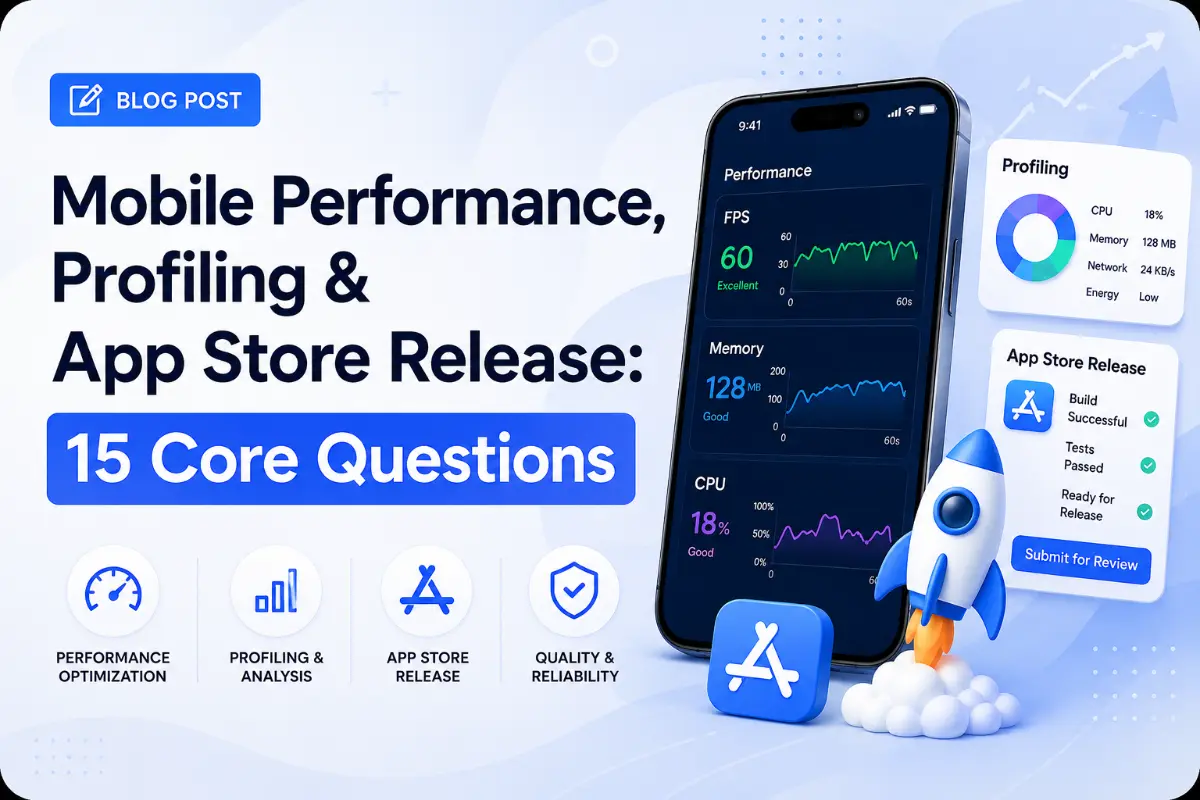
Publishing a high-performance app involves more than just coding. Developers must profile memory use, resolve GPU rendering limits, comply with privacy manifests, and satisfy strict App Store and Google Play release guidelines. This guide addresses 15 essential questions on profiling and app distribution.
Questions Quick Links
- Q1. Cold Startup optimizations
- Q2. Memory Profiling on iOS vs Android
- Q3. Native vs. Virtual Splash screens
- Q4. iOS Signing: Certificates & Profiles
- Q5. Android App Bundles (AAB) splitting
- Q6. Sign In with Apple (Guideline 4.8)
- Q7. Google Play Console ANR rates
- Q8. iOS Privacy Manifests (iOS 17+)
- Q9. GPU vs. CPU rendering overdraws
- Q10. Frame rate tracking (Choreographer)
- Q11. Network data compression (HTTP/2)
- Q12. Background execution limits
- Q13. Universal Links vs. App Links
- Q14. Secure API keys obfuscation in builds
- Q15. Remote Config release strategies
Q1. How do you optimize mobile app cold startup time?
Answer:
Cold startup time is defined as the duration from clicking the app icon to the first frame rendering. Optimize this by:
- Deferring non-critical library initialization (e.g. using lazy loading or Jetpack App Startup).
- Reducing raw asset overhead (compressing launch screens).
- Enabling compiler optimizations (R8/ProGuard on Android, Link-Time Optimization on iOS).
- Pre-compiling database caches synchronously before launch.
Q2. How do you profile and diagnose memory leaks on iOS vs. Android?
Answer:
- iOS: Use Xcode Instruments (Leaks & Allocations). Monitor object life-cycles using the **Memory Graph**, checking for circular reference lines representing retain cycles.
- Android: Use the Memory Profiler in Android Studio. Capture heap dumps when memory usage spikes, searching for destroyed activities that are still referenced.
Q3. What is the difference between a Native Splash Screen and a Virtual Splash Screen?
Answer:
- Native Splash Screen: Defined in the native operating system layers (e.g. `Storyboard` on iOS, `styles.xml` on Android). It displays instantly while the app process is loading.
- Virtual Splash Screen: A standard view built in Flutter/React Native. It displays only after the framework engine finishes initializing.
Q4. Explain iOS Code Signing: Certificates, Identifiers, Devices, and Provisioning Profiles.
Answer:
- Certificate: Links Apple developer identity to a cryptographic key (authenticates *who* built the app).
- App ID (Identifier): Unique bundle ID (e.g., `com.company.app`).
- Provisioning Profile: A configuration profile packaged with the app that links the Certificate, App ID, and authorized test devices together, permitting execution.
Q5. What is the advantage of Android App Bundles (AAB) over standard APKs?
Answer:
An Android App Bundle (.aab) contains pre-compiled code and assets. When a user downloads the app, Google Play builds and serves a custom APK optimized for the user's device screen density, language, and CPU architecture, reducing download sizes by up to 50%.
Q6. What is App Store Guideline 4.8 (Sign in with Apple) and when is it required?
Answer:
If an app uses any third-party single sign-in services (like Google, Facebook, or Login with credentials), Apple requires providing "Sign in with Apple" as an equivalent user choice. It is not required if the app uses native/internal authentication systems exclusively.
Q7. What is an ANR (App Not Responding) in Android? How do you prevent them?
Answer:
An ANR is triggered when the Android main UI thread remains blocked for more than 5 seconds. To prevent ANRs, offload all database queries, network requests, and complex calculations (like JSON parsing) to background threads.
Q8. What are iOS Privacy Manifests (PrivacyInfo.xcprivacy)?
Answer:
Introduced in iOS 17, they require apps and third-party SDKs to declare their data collection categories (e.g. location, identifiers) and the reasons for calling specific native APIs (like system boot time or disk space), preventing finger-printing attempts.
Q9. What is GPU Overdraw? How do you detect and optimize it?
Answer:
Overdraw occurs when an app draws the same pixel multiple times within a single frame (e.g. stacking colored backgrounds on top of each other). Enable the **Debug GPU Overdraw** tool in Android Developer Options (or GPU metrics in Xcode) and remove redundant view background colors.
Q10. How do you track frame rates programmatically on Android and iOS?
Answer:
- Android: Listen to vertical synchronization pulses using
Choreographer.getInstance().postFrameCallback(). - iOS: Bind a timer callback to the display refresh rate using
CADisplayLink(target: selector:).
Q11. How does HTTP/2 multiplexing improve mobile network performance?
Answer:
Unlike HTTP/1.1 (which requires opening separate TCP connections for concurrent requests), HTTP/2 uses **Multiplexing** to send multiple requests and responses concurrently over a single TCP connection, reducing handshake latency.
Q12. Contrast background execution limits on iOS vs Android.
Answer:
- iOS: Strictly limits background execution. Apps must register tasks via the
BackgroundTasksframework. - Android: Uses `WorkManager` for background tasks, requiring foreground services with persistent status notifications for continuous operations.
Q13. How do Universal Links (iOS) and App Links (Android) differ from Custom URL schemes?
Answer:
Custom URL schemes (like `myapp://`) do not verify ownership, which can lead to conflicts. Universal/App Links use HTTP URLs (like `https://domain.com/path`). The OS verifies ownership by checking a verification file (`apple-app-site-association` on iOS, `assetlinks.json` on Android) hosted on the target domain.
Q14. How do you prevent hardcoding API keys in repository files during releases?
Answer:
Store keys in secure local configurations (`local.properties` on Android, `.xcconfig` on iOS). Inject these values as environment variables during build execution, keeping them out of version control.
Q15. How does Firebase Remote Config update runtime settings dynamically?
Answer:
Remote Config fetches configuration updates from Firebase servers, caching parameters locally. You can activate new parameters on app launch or periodically throughout execution to update configurations without store submissions.
Written by Mobile DevOps & Release Lead
Senior Career Advisor & Recruitment Specialist at JobPortalConnect. With years of experience in HR matching, they review resumes, optimize career pathways, and interview recruiting partners directly.